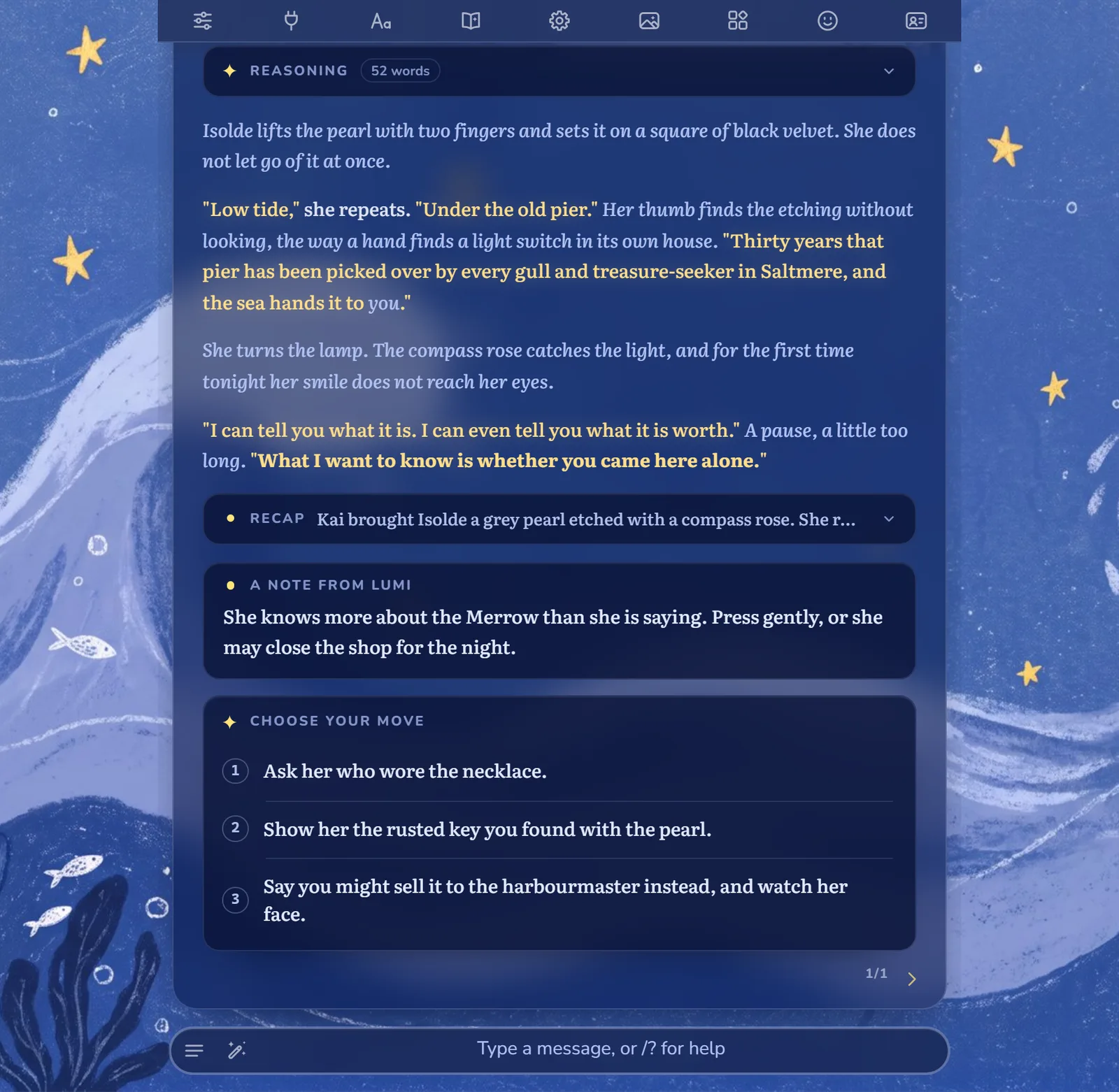
What one reply looks like
Lumi writes the story the way a good game master would, then leaves a few things around it so the next turn is easy. Everything except the story is folded or small, so it never gets in the way of the prose.
| Panel | What it's for |
|---|---|
| Reasoning | How Lumi planned this beat. Folded; open it when you're curious. |
| Story | The reply itself, in your chat as usual. |
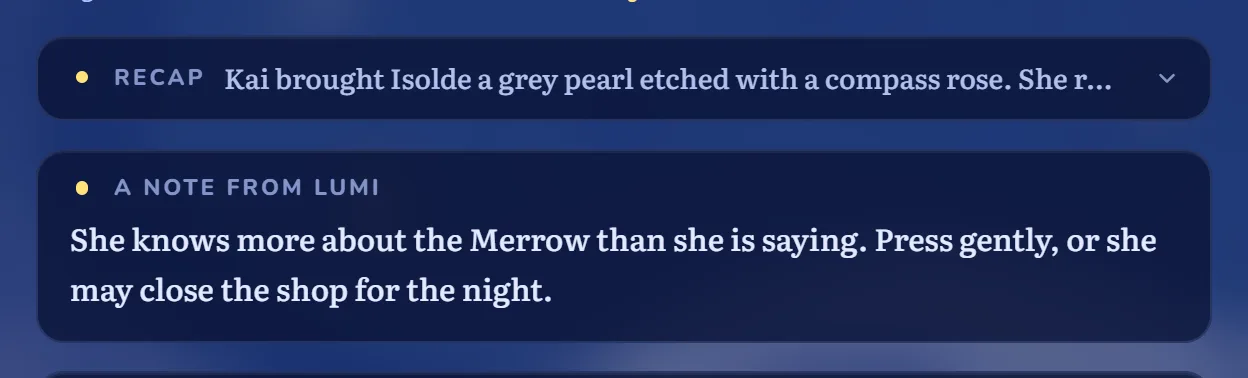
| Recap | One line on what just happened. Folded. |
| A note from Lumi | A short aside to you, out of character. |
| Choose your move | Three next moves. Click one to put it in your message box. |
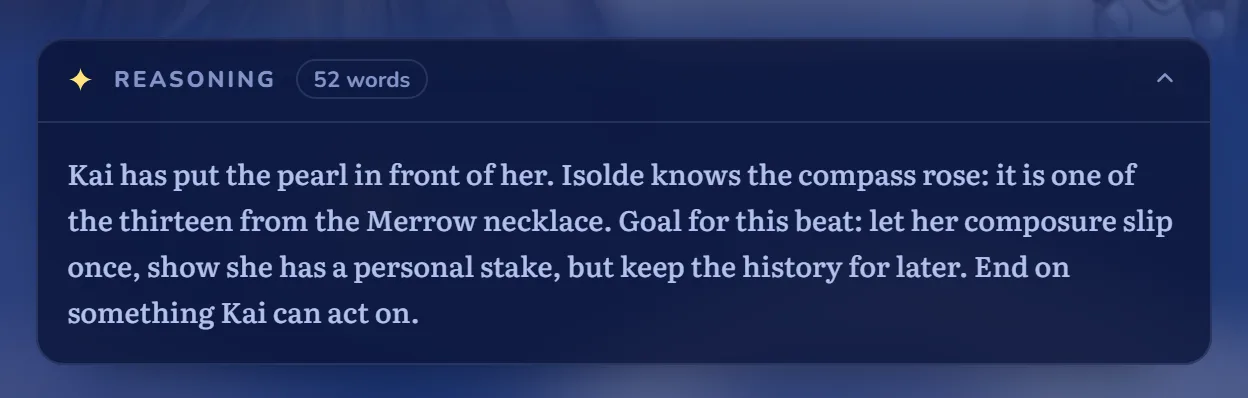
Lumi plans before she writes
Before each reply, Lumi thinks about where the scene is going: what the characters know, what they want, and how to end the turn on something you can act on. You see it as a folded Reasoning panel above the story, with a word count, so you can check her thinking or ignore it.
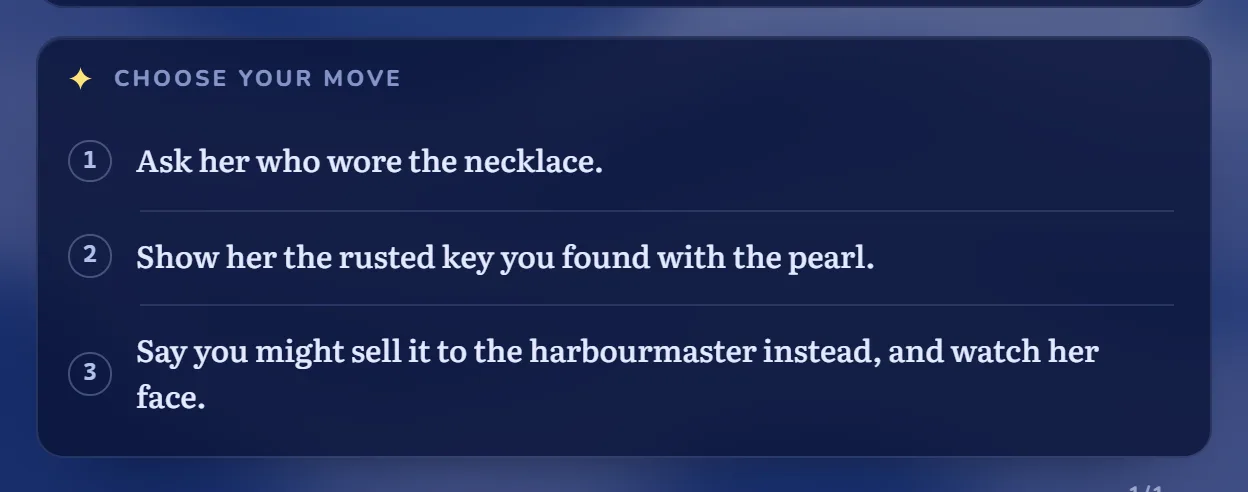
Three moves, one click away
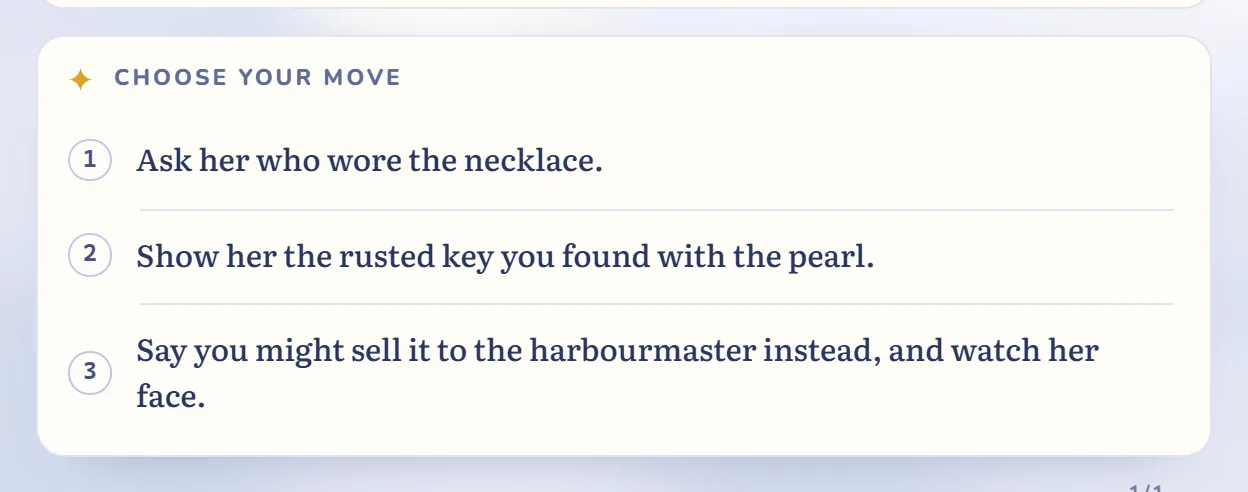
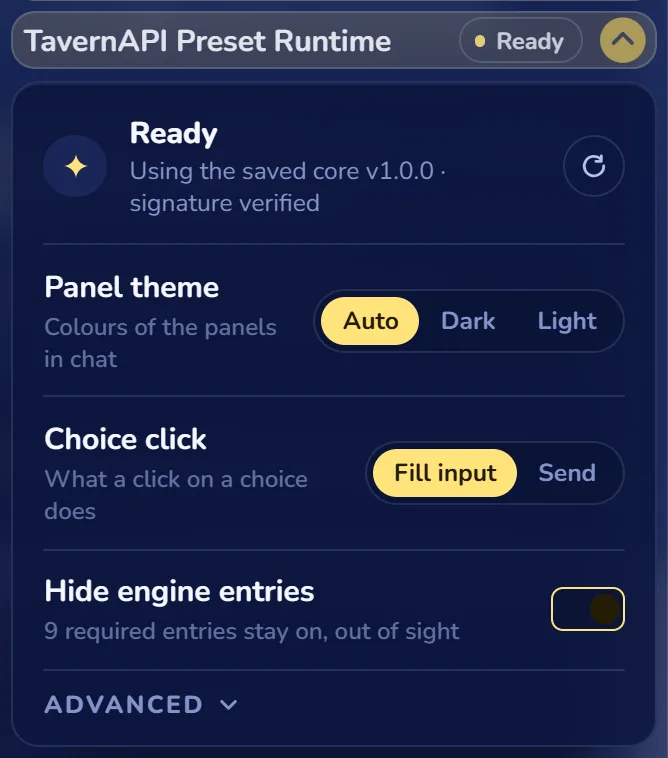
Every reply ends with three suggestions for what you could do next, written for the scene you're in. Click one and it lands in your message box, ready to edit or send. If you'd rather it sends at once, switch Choice click to Send in the extension.
The panels follow your chat theme, light or dark.
A recap, and a note from Lumi
The Recap is a one-line summary of the turn. Lumi sends older turns as their recaps instead of in full, so long stories stay on track and each reply costs less. If you want every turn sent word for word, switch off 🔒 Recap.
The note is Lumi stepping out of the story for a moment to say something to you directly: a hint, a reminder, or a comment on the scene.
Switches you control
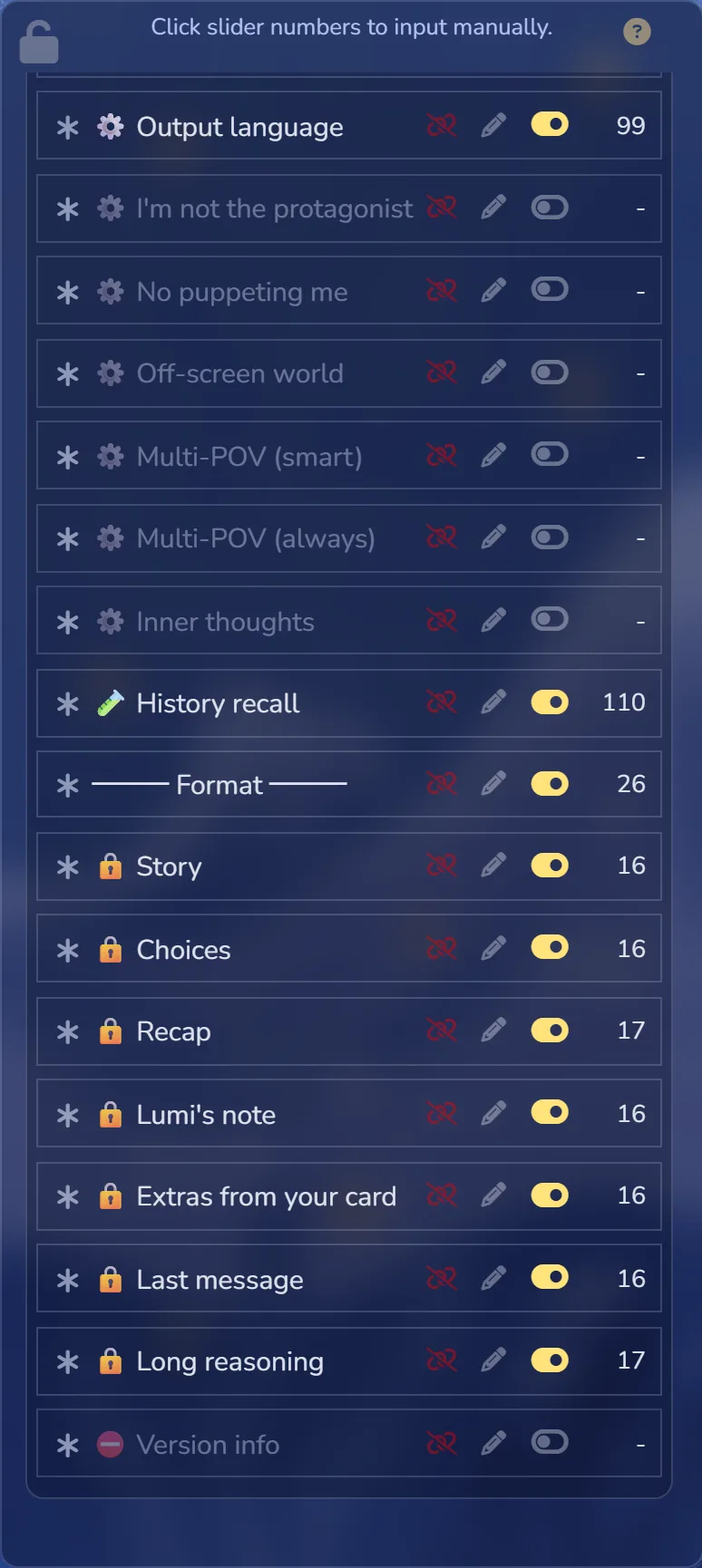
Everything in the preset is a switch in SillyTavern's prompt list. Entries marked 🔒 have fixed text that Lumi needs, but you can still turn them off. The rest are yours to mix.
| You want | Do this |
|---|---|
| Longer replies | Turn on 📝 Word count. |
| Lumi stops speaking for you | Turn on ⚙️ No puppeting me. |
| More of the world moving without you | Turn on ⚙️ Off-screen world. |
| A reply in another language | Set ⚙️ Output language. |
| No recap | Turn off 🔒 Recap. Older turns are then sent in full. |
| Light panels on a light theme | Panel theme: Auto follows your chat theme; Dark or Light forces one. |
Mature content is off by default. The ❤️ entries turn it on, and 📖 Read me first in the preset explains the rules.
Which Lumi is this?
Lumi is a series: one preset per model family, each tuned to how that model writes. This page is Lumi for Gemini.
| Version | Status | Best with |
|---|---|---|
| Lumi for Gemini | Available, 1.0 | gemini-4-argon (best), gemini-3.8-flash (cheaper) |
| Lumi for DeepSeek | Planned | — |
| Lumi for Claude | Planned | — |
When Google updates Gemini, Lumi is retuned. Most of those updates reach you without re-importing anything, because the extension fetches Lumi's core text each time SillyTavern starts.
Get Lumi
You need three things: the Lumi extension, this preset, and a Gemini model, either through TavernAPI or with your own Google key. The setup guide walks you through all of it in five short steps: Set up Lumi in SillyTavern.
Changelog
| Version | Date | Changes |
|---|---|---|
| 1.0 | 2026-11-04 | First public release for Gemini: reasoning, choices, recap and note panels; Auto / Dark / Light panel themes. |