What you get
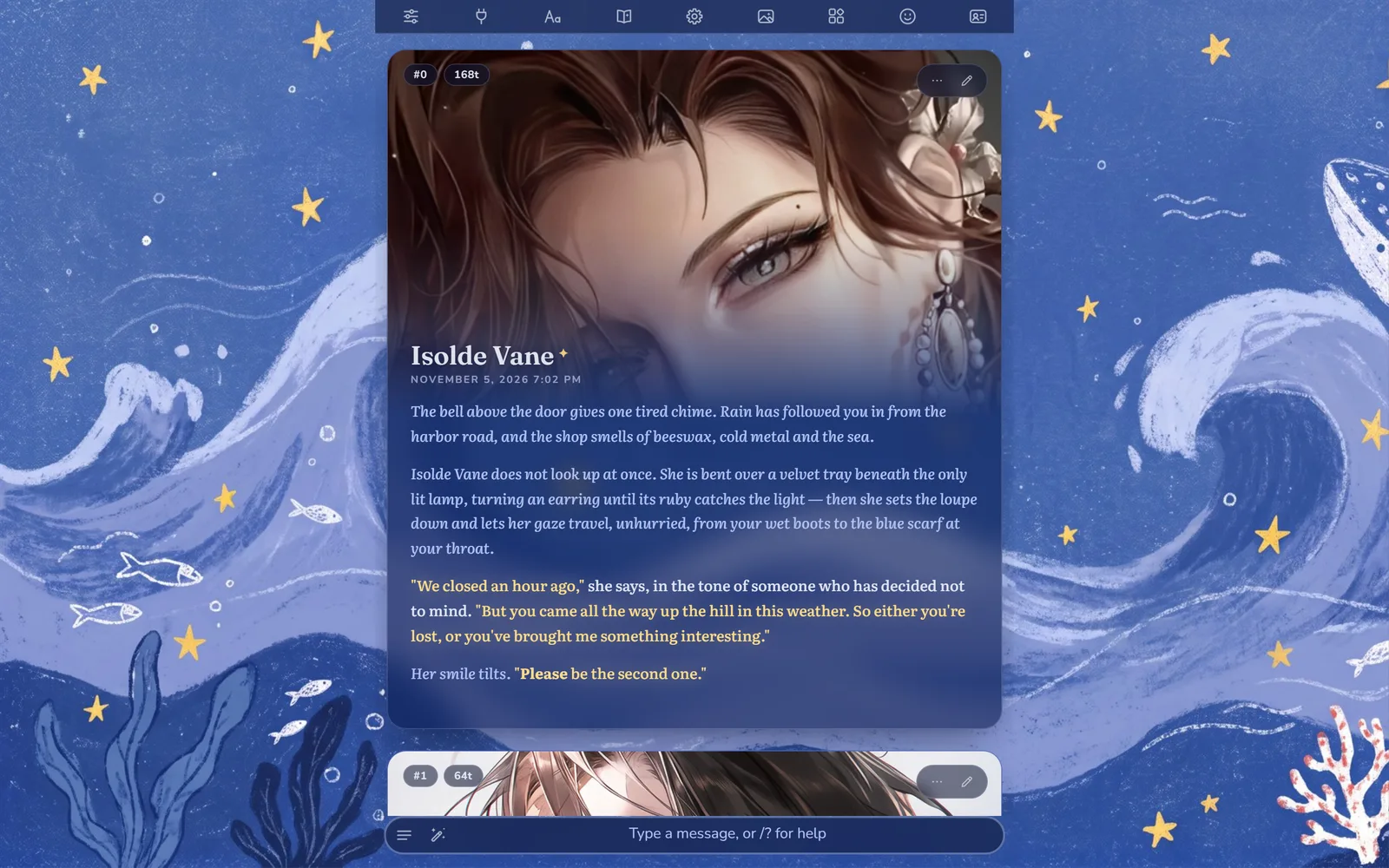
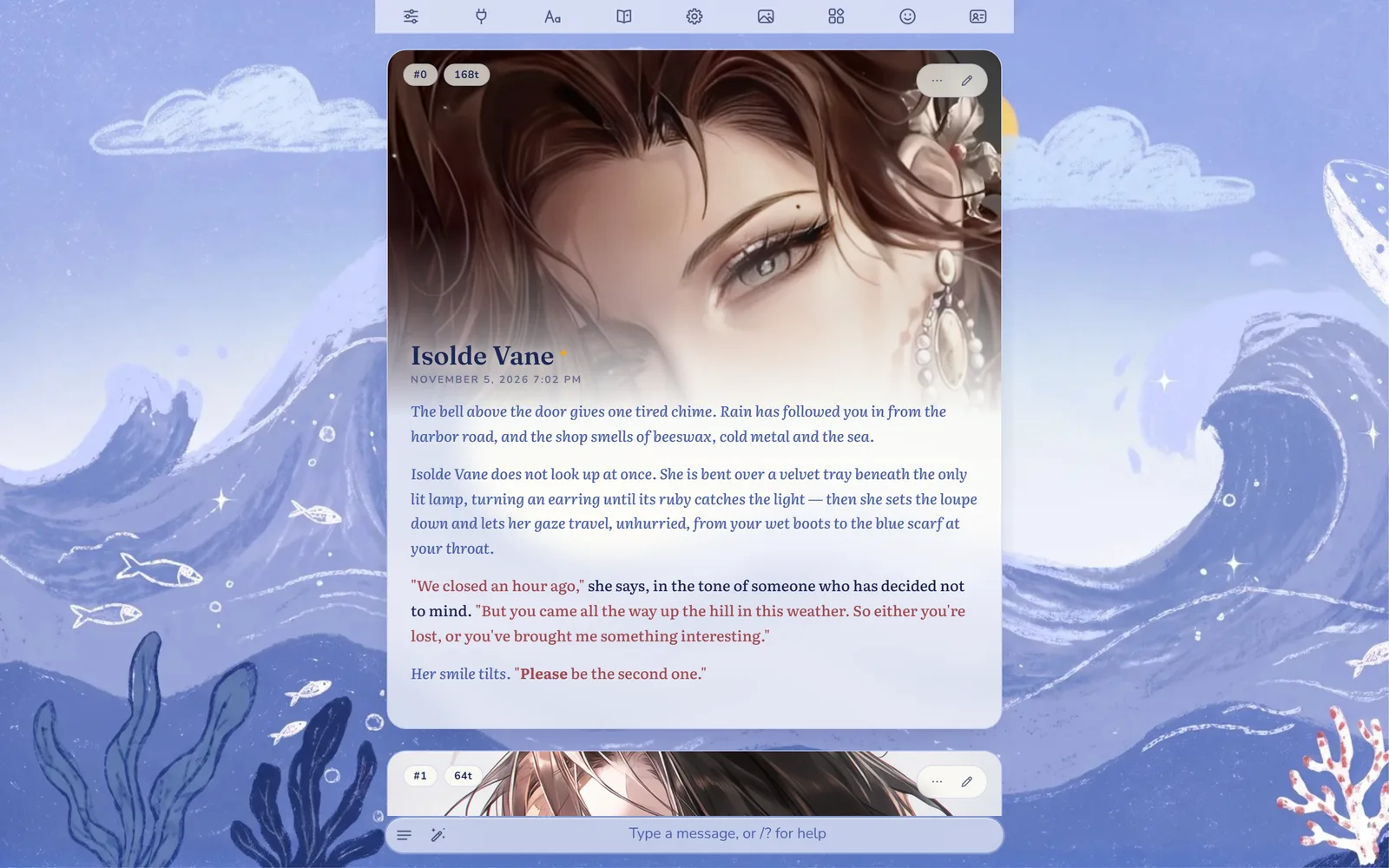
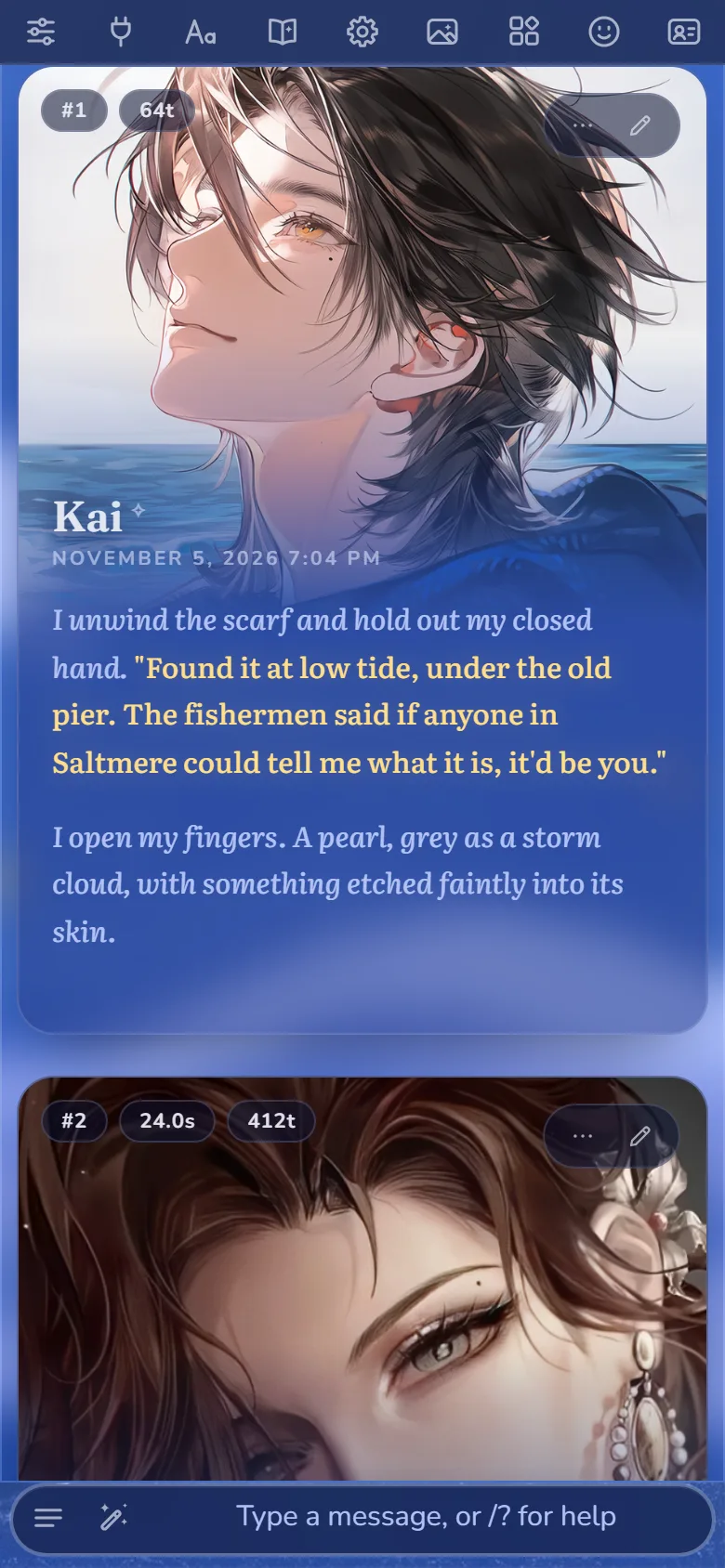
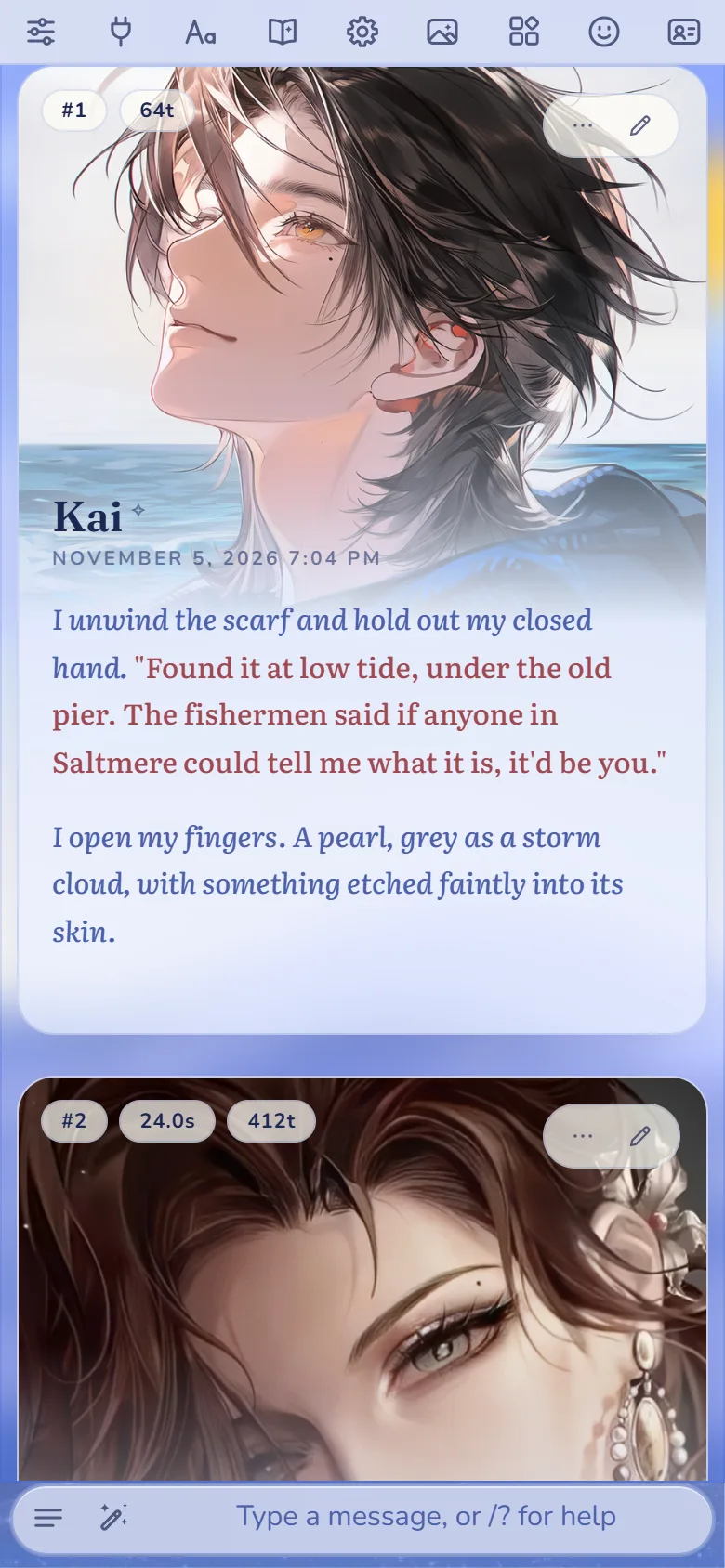
- A portrait on every message. The character's picture runs across the top of each message and fades into the text, with the name sitting on the fade.
- Frosted glass. Each message is a glass card over your wallpaper, so the picture behind the chat stays part of the scene.
- Colours you can read. Narration, thoughts and dialogue each get their own colour: on Lumi Night, soft white narration, moonlight-blue thoughts and butter-yellow dialogue with a faint glow; on Lumi Day, ink-blue narration, blue thoughts and coral dialogue.
- Book-like type. Literata for the story, Fraunces for names and Nunito for the interface. Chinese, Japanese and Korean use Noto Serif and are never slanted into fake italics.
- Redrawn line icons in the top bar, the message buttons and the input bar.
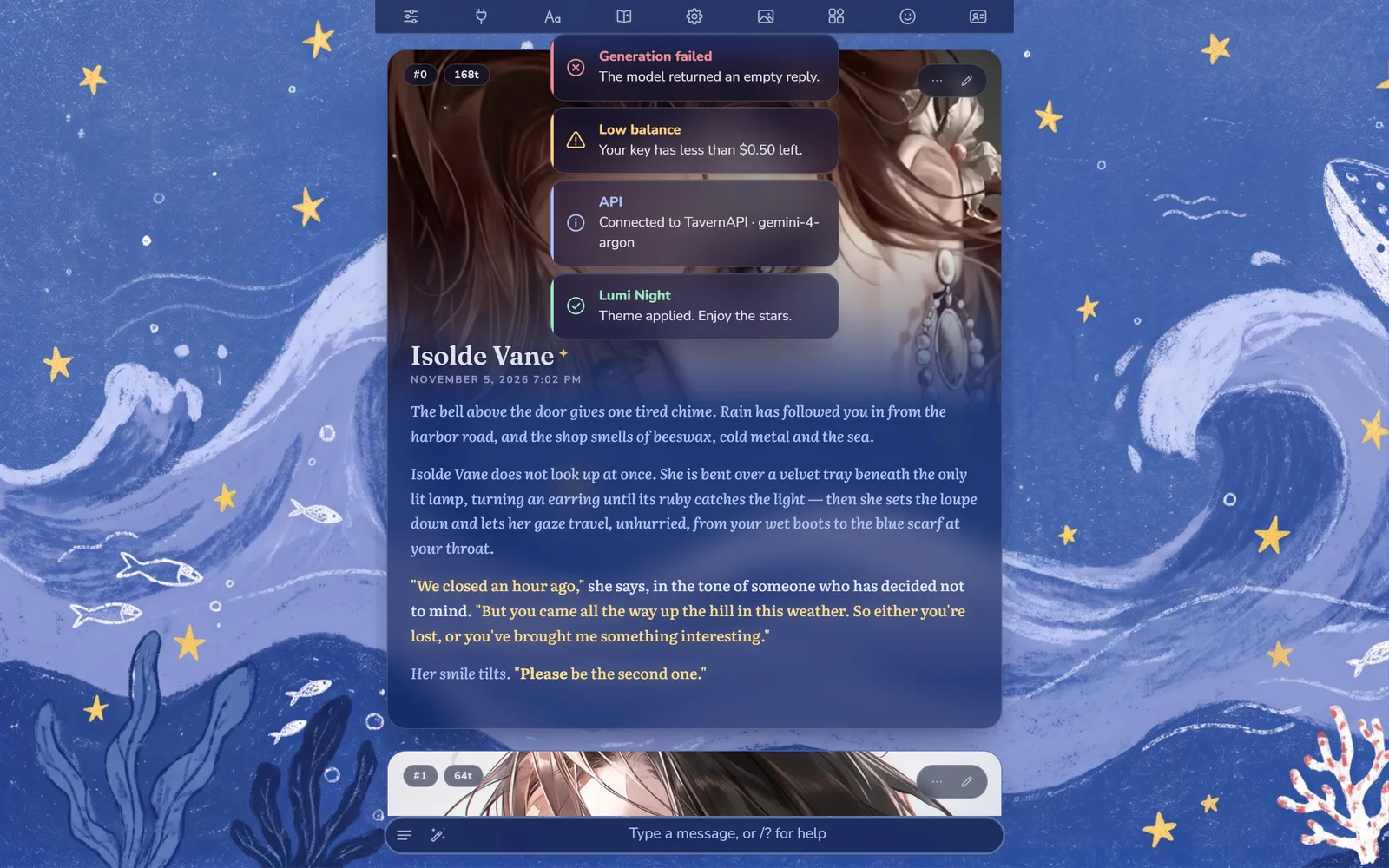
- Calm notifications. Pop-ups are small glass cards with a coloured icon for info, success, warning and error.
- Details on the portrait. Message number, token count and reply time sit as small chips in its corner.
Download
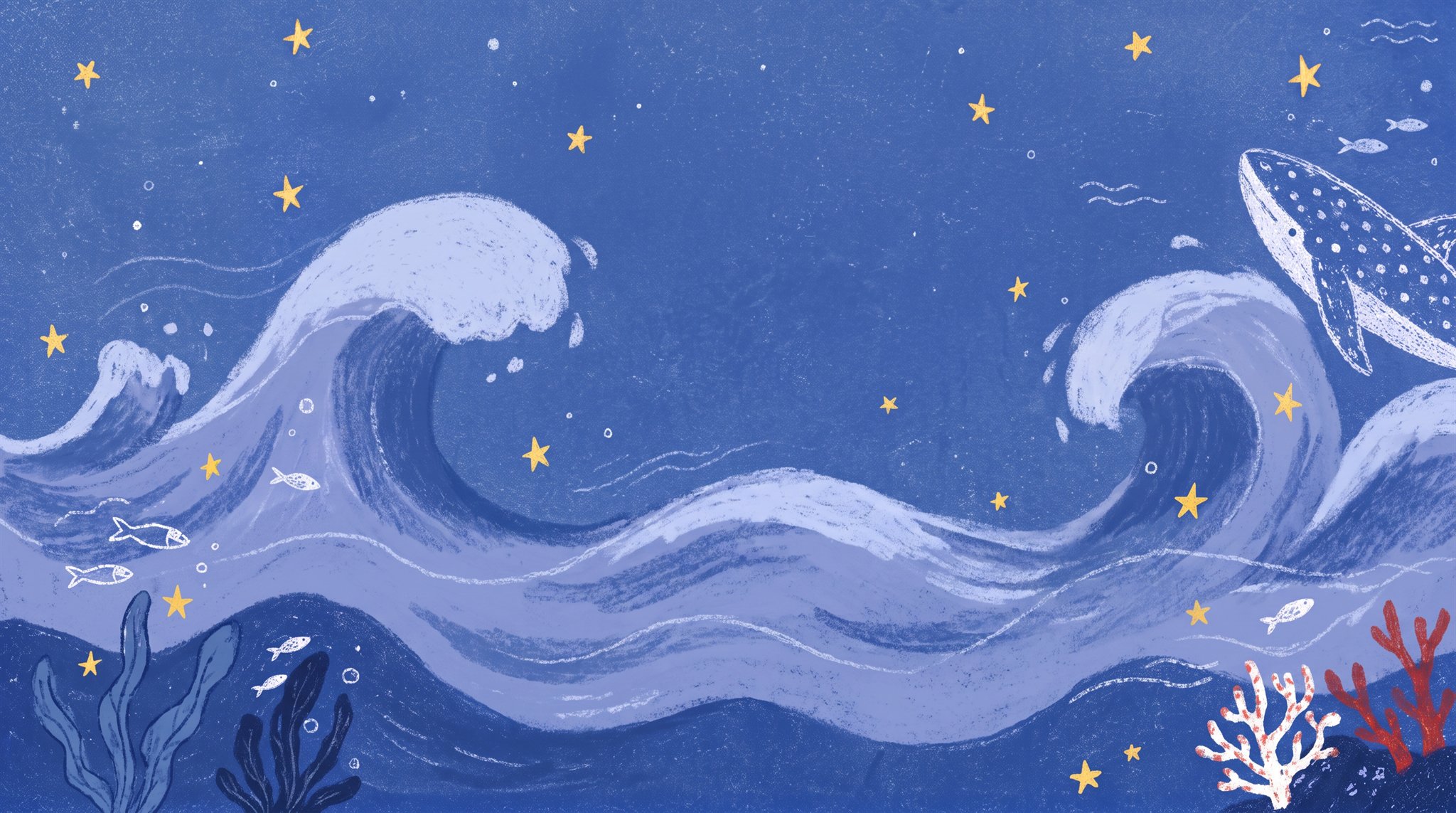
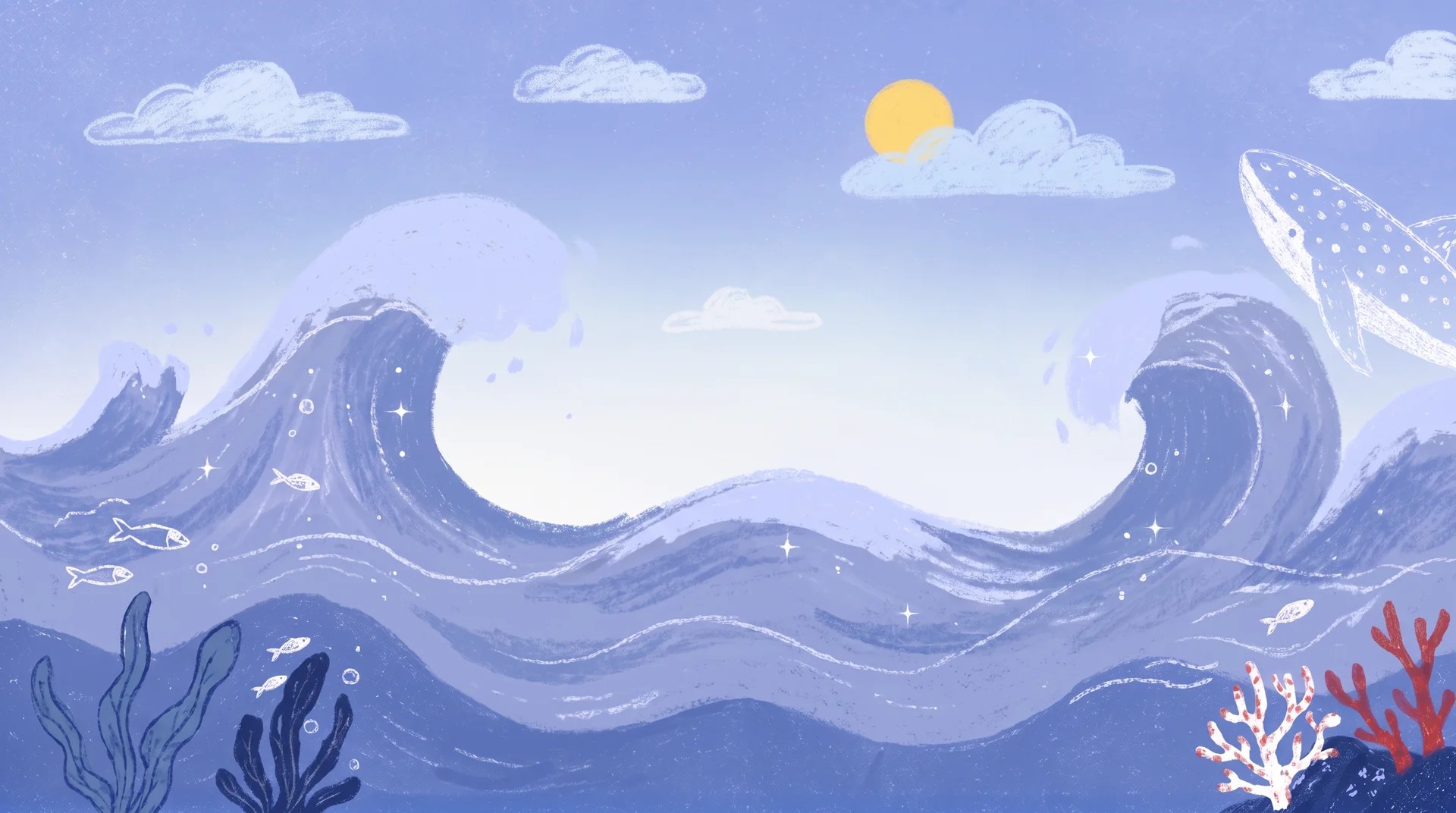
Each theme is one small JSON file. The wallpapers are optional, but the themes are designed around them.
Install it in SillyTavern
- Open User Settings in the top bar.
- Under UI Theme, click Import a theme file (next to the theme list) and choose the theme you downloaded. It switches on straight away.
- Open Backgrounds in the top bar, click Add a new background and choose the matching wallpaper.
To go back, pick any other theme in the UI Theme list. Lumi doesn't change anything else.
Make the portraits sharp
SillyTavern shrinks avatars to small thumbnails (96 × 144 pixels) to save memory, which looks blurry at portrait size. Raise the size in config.yaml in your SillyTavern folder:
thumbnails:
  dimensions:
    avatar:
      - 640
      - 960
    persona:
      - 640
      - 960
Then delete the folders data/default-user/thumbnails/avatar and data/default-user/thumbnails/persona and restart SillyTavern. It makes new, sharp thumbnails the next time it shows each avatar. On a slow phone, 512 and 768 is a good middle ground.
Tweak it
Text colours live where they do for every theme: User Settings → Main Text, Italics Text, Quote Text and Underlined Text.
Everything else is at the top of User Settings → Custom CSS, in a short block called Tweak me:
| Setting | Default | What it changes |
|---|---|---|
--lumi-portrait | 380px | Portrait height on desktop. |
--lumi-portrait-mobile | 300px | Portrait height on phones. |
--lumi-focus | center 22% | Which part of the picture shows. Raise the second number to move down the picture. |
--lumi-radius | 20px | How round the message cards are. |
--lumi-blur | 14px | How frosted the glass is. |
--lumi-indent | 0em | Set 2em for a book-style first-line indent. |
To hide the portraits, turn on User Settings → Hide Chat Avatars. Messages then get a slim header instead of the banner.
Made to go with Lumi
The themes share their stars and colours with Lumi, our free Gemini preset. Lumi's reasoning, choices and recap panels follow your theme, so they sit naturally inside Lumi Day and Lumi Night.